
Receipts
Clients get a receipt for what they paid, online or at the session, on a page they can print or save as a PDF.
Setting them up
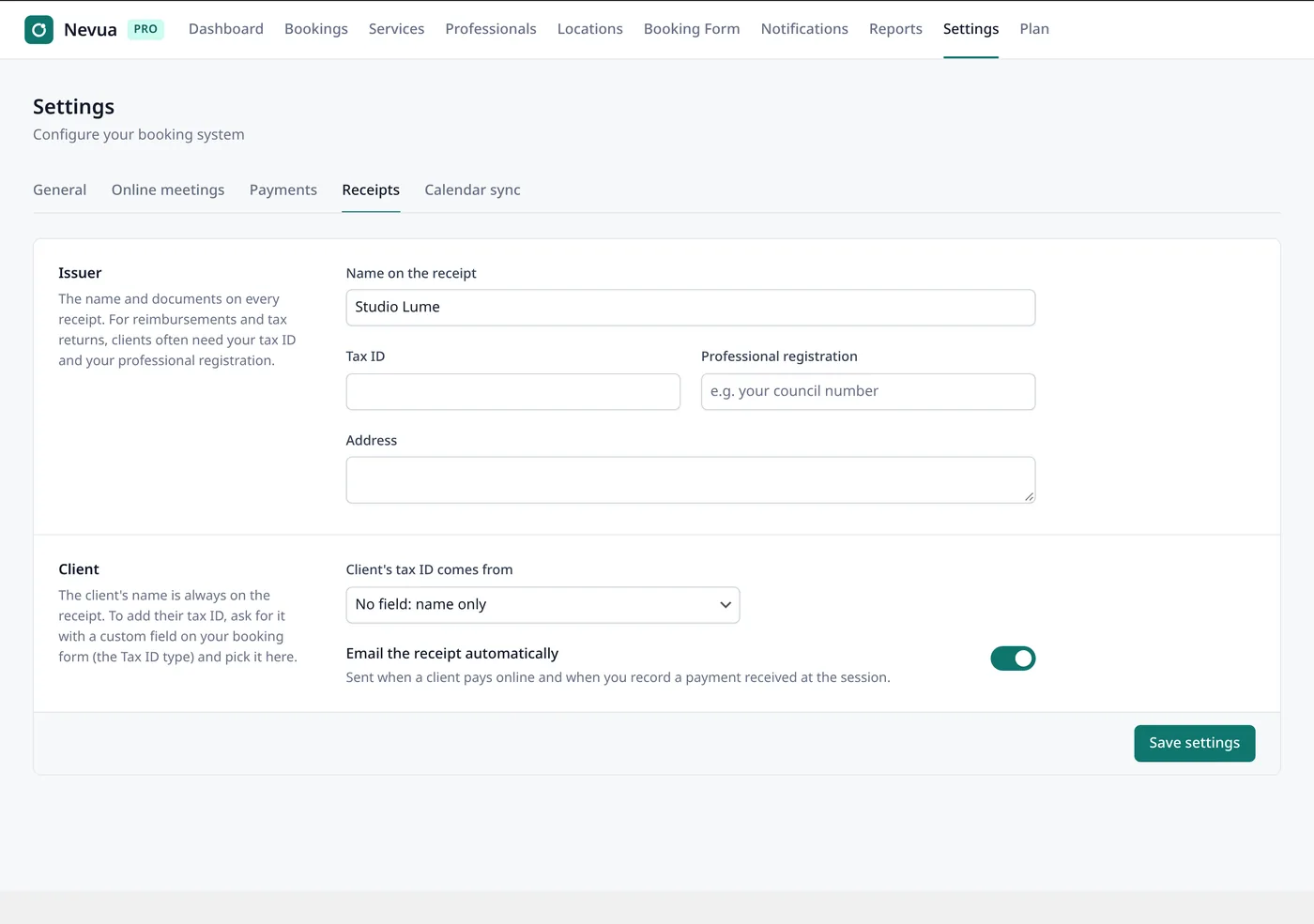
Under Nevua → Settings → Receipts:
- Issuer: the Name on the receipt, your Tax ID, your Professional registration (if your profession has one) and your Address.
- Client: the client’s tax ID comes from one of your form’s fields (add a Tax ID field in the Form Customizer first), or No field: name only.
- Email the receipt automatically: when a client pays online and when you record a payment at the session. Off: you open and send receipts yourself.
What a receipt shows
Your name and documents, the client’s name (and tax ID, when you chose a field), the service, the date and each payment with how it was made. The receipt page is private: only its link opens it, and it’s never cached or shown in search engines.
Payments at the session
Open the booking in Nevua → Bookings and use Record a payment: the amount and how you were paid (Pix, cash, card or bank transfer). It completes a deposit, keeps reports exact and sends the receipt, if receipts go out automatically. View receipt, on the booking, opens it. Packages paid at once get one receipt.