Professionals and locations
The free version has one schedule: your business hours. PRO adds as many professionals as you need, each with their own services and hours, and different locations.
Professionals
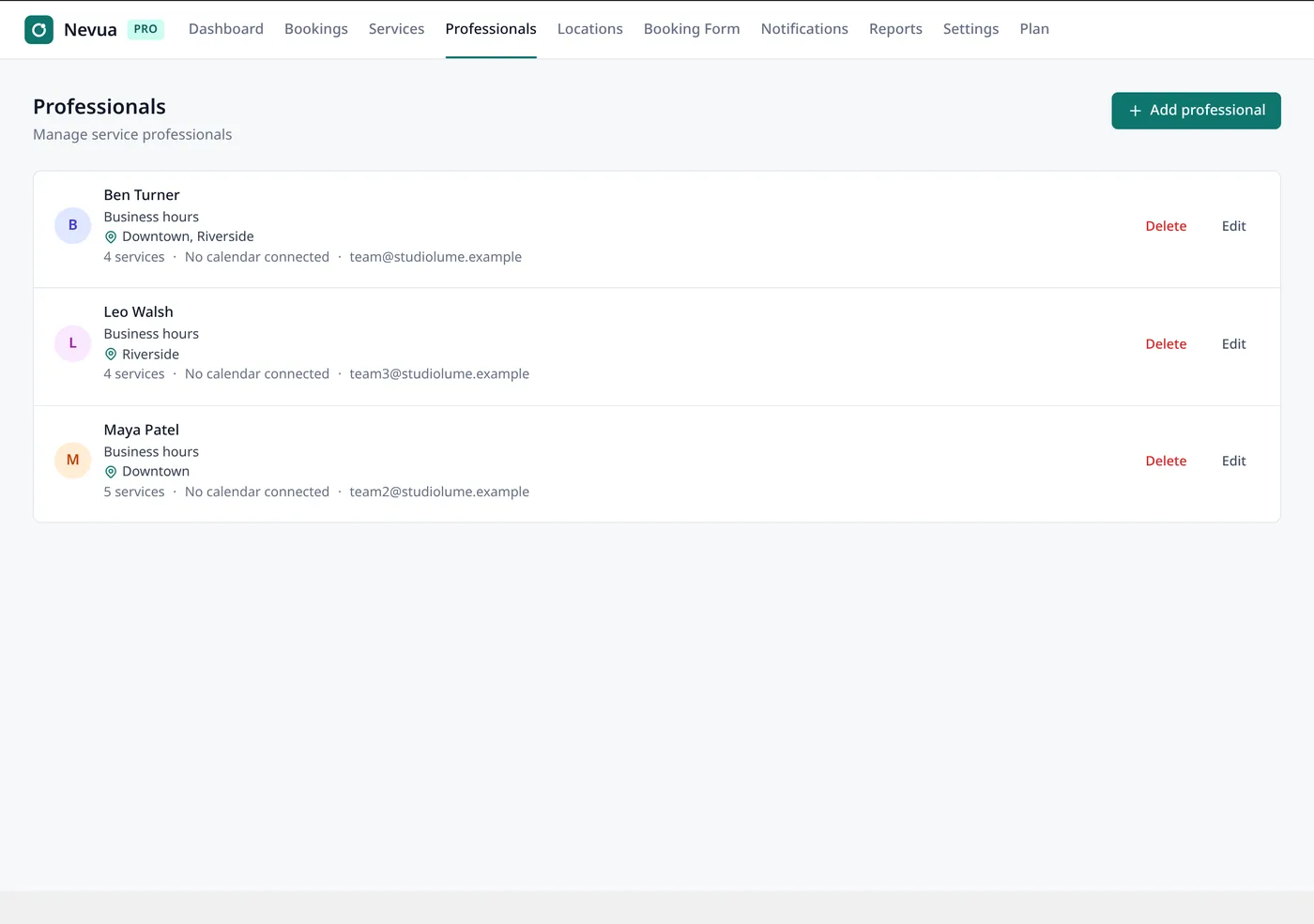
Under Nevua → Professionals → Add professional:
- Name, email, phone, description and a Photo from the media library.
- Services: what they offer. Clients only see a professional for the services they offer.
- Schedule: each weekday follows the Business hours (from Settings), their own shifts (Add another shift, for lunch, say) or Not working.
- Active: off, they’re not offered to clients, and their bookings stay.
A professional with upcoming bookings can’t be deleted: switch them off. Each professional gets the new-booking email for their own bookings.
On the form and the Dashboard
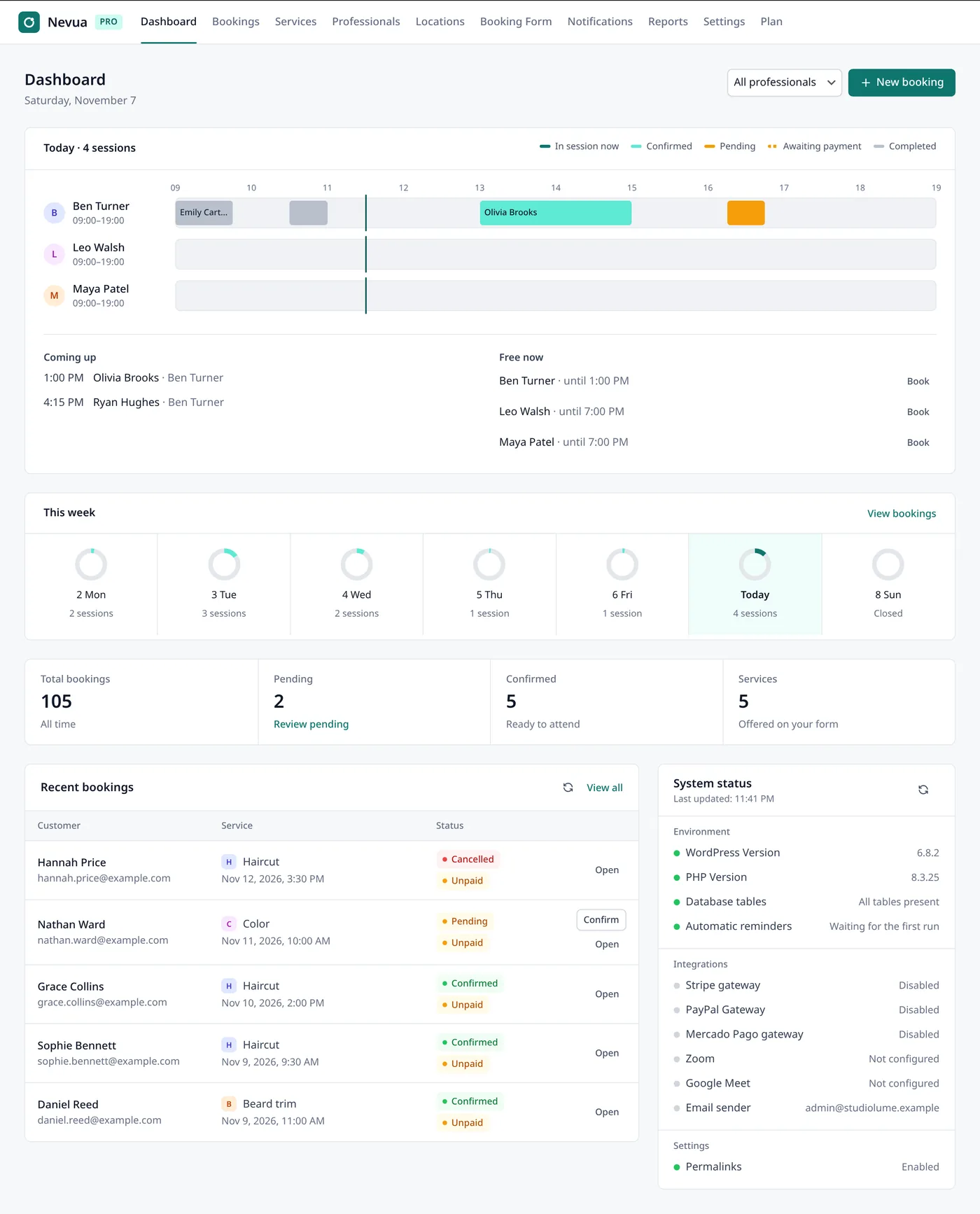
The client picks the professional after the service, when more than one offers it. To not ask, switch off Booking Form → Sections → Choice of professional: any free professional who offers the service takes the booking. On the Dashboard, each professional gets their own row for the day.
Locations
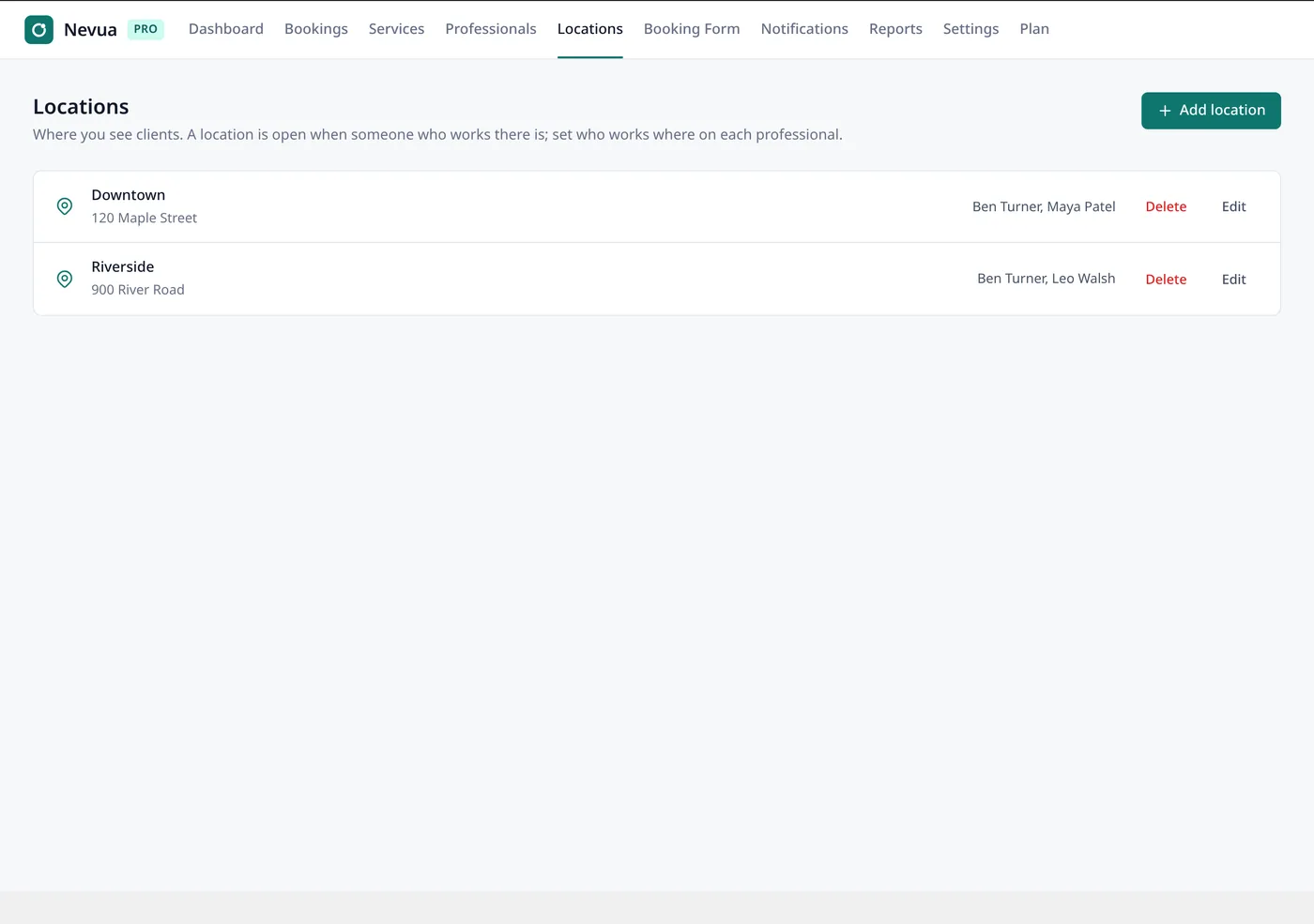
For businesses that see clients in more than one place: branches, rooms, a home studio. Under Nevua → Locations → Add location, give a name and an address.
- Each professional works at one or more locations, with one schedule: someone booked at one place at 10:00 isn’t free at another at 10:00.
- With two or more active locations, the form asks for the location first and shows only the services and times of who works there.
- Bookings, emails and the client’s page show the location.